The everyday nine
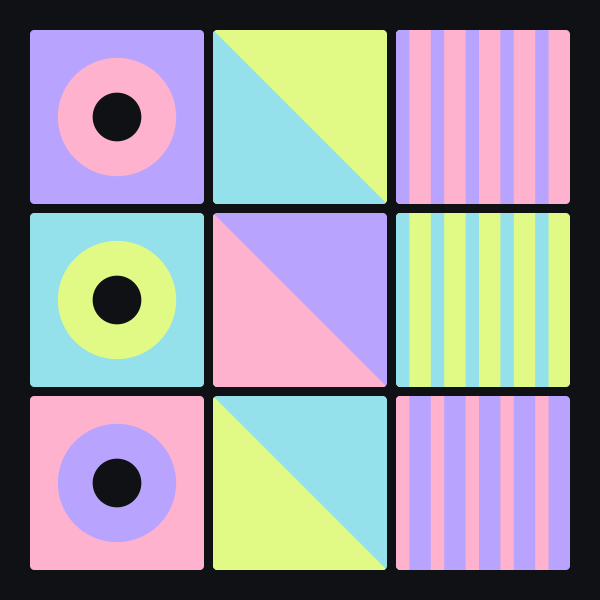
Nine equal panels for a balanced collection. Keep crops consistent, or interrupt the rhythm with one deliberately different image.
Download the SVG ↓THE LAYOUT LIBRARY
Six free, editable SVG compositions for photo collages, art mosaics, and visual storyboards. Download a layout, open it in a compatible editor, and make it your own.
Nine equal panels for a balanced collection. Keep crops consistent, or interrupt the rhythm with one deliberately different image.
Download the SVG ↓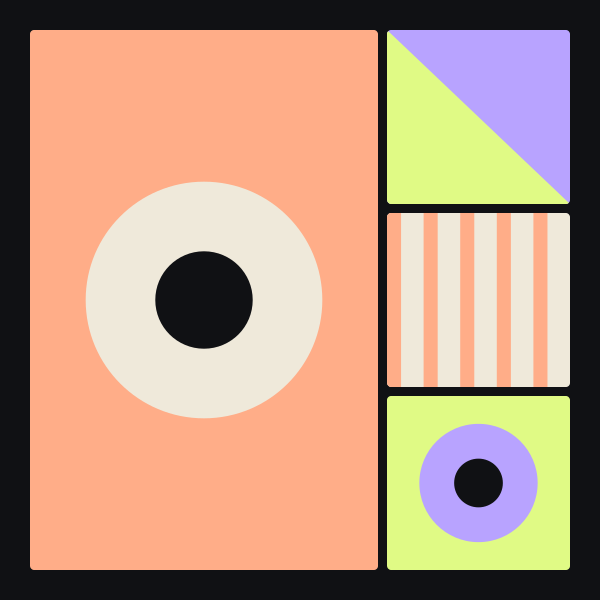
One leading panel and three supporting details. Give the main image a clear story, then let the smaller tiles add context.
Download the SVG ↓
A vertical composition with room to establish a subject and follow it with smaller moments. Adapt the crop to the destination.
Download the SVG ↓
Three equal vertical panels in a wide format. Try an establishing scene, an action, and a close detail as a simple visual sequence.
Download the SVG ↓
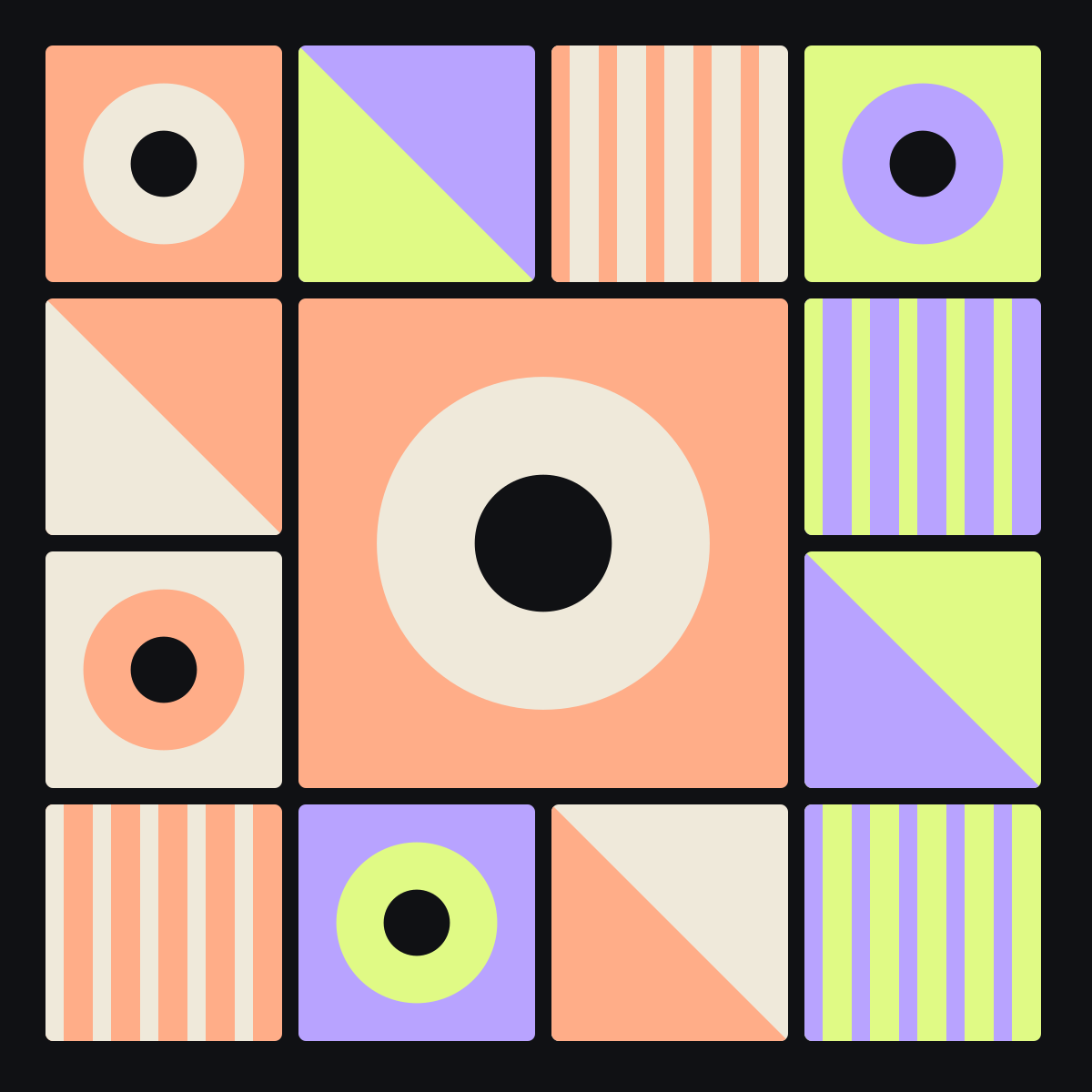
A ring of smaller tiles around a quieter center. Use the middle for a focal image or short title rather than more competing detail.
Download the SVG ↓
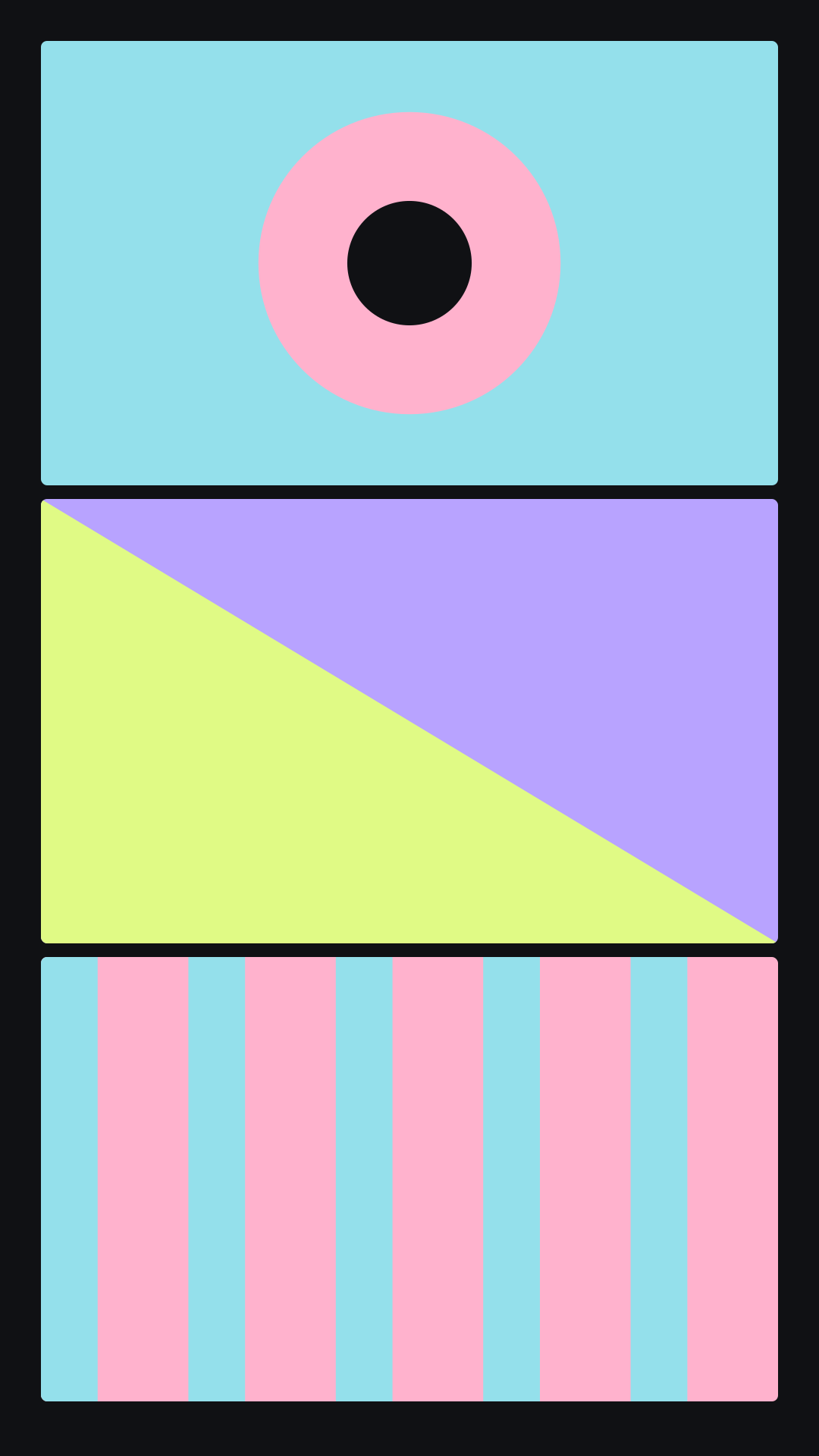
Three stacked frames for planning a beginning, a reveal, and an ending. This is an editable storyboard, not a video file.
Download the SVG ↓FROM LAYOUT TO YOUR OWN ARTWORK
The files contain editable geometric elements, not embedded photos. Use them as finished pattern studies or replace their panels with your own approved images in an SVG-compatible editor. Keep the source file before exporting a flattened image.
Use a vector or design editor that supports SVG. Check how it handles groups and clipping paths.
Recolor shapes, adjust the spacing, or use the composition as a guide for placing your own photographs.
Export at the intended dimensions. Social previews, print requirements, and editing support vary by destination.
THE MOSAIC JOURNAL

Learn the difference between a photo mosaic and a collage, then choose a layout that gives every image a purpose.
Read the guide ↗
Create expressive art mosaics with a small palette, varied tile rhythm, negative space, and typography that stays readable.
Read the guide ↗
Calculate photo mosaic print dimensions, protect tile detail, and prepare a proof before committing to your final artwork.
Read the guide ↗