
Mosaic vs. collage: find your kind of bigger picture
Learn the difference between a photo mosaic and a collage, then choose a layout that gives every image a purpose.
Read the guide ↗YOUR NEXT IDEA STARTS WITH A PIECE
Turn a collection of moments into something entirely your own. Explore image mosaics, AI-inspired art, and collage ideas for the way you create.
✦ Free creative resources · No sign-up needed
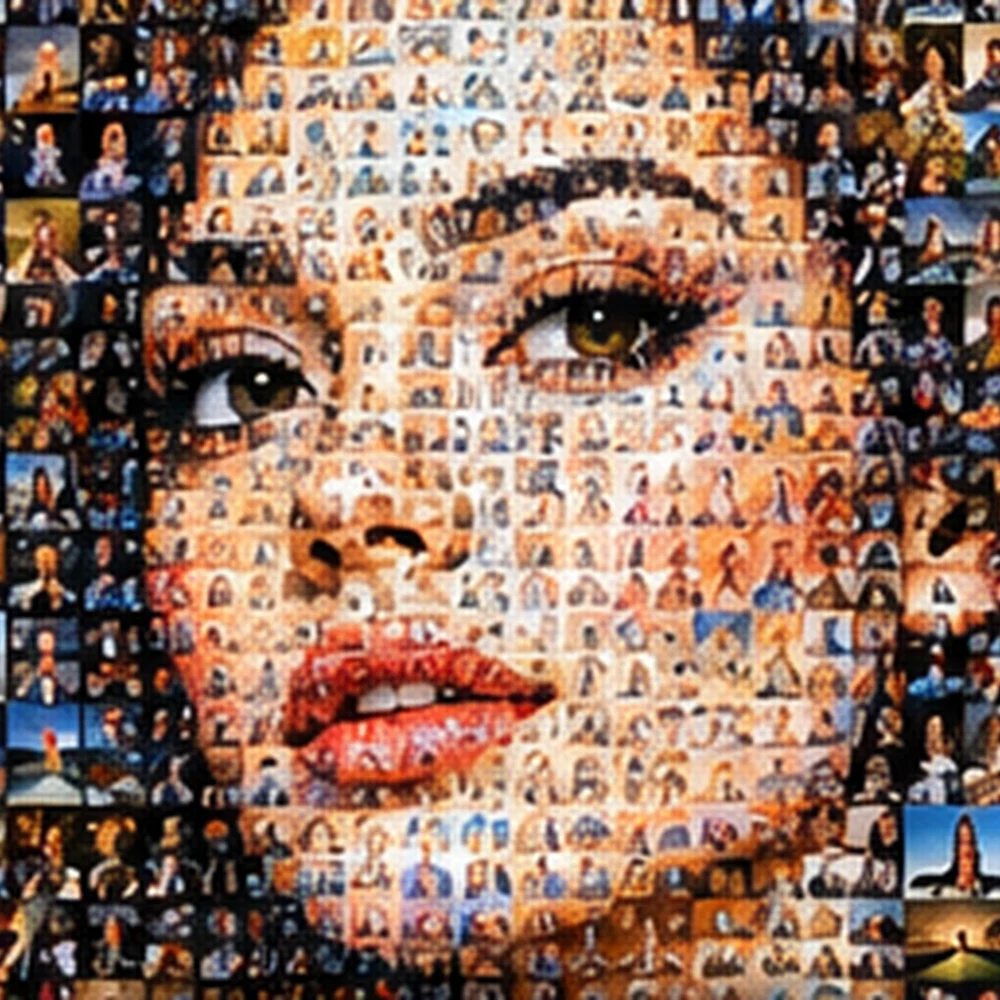
A LITTLE STRUCTURE. A LOT OF POSSIBILITY.
A mosaic can reveal a big picture through tiny photographs. A collage can turn a few favorite images into a story. An abstract grid can be the beginning of a whole new visual language.
InstaMosaic.com brings those possibilities together: practical field guides, remixable layouts, and a geometric pattern playground. Choose your format, understand your tools, and make the creative decisions that matter.
Find your mosaic style ↗FROM A SPARK TO SOMETHING REAL
Choose the moment, subject, or mood you want the pieces to express.
Start with a photo grid, a target-image mosaic, or an expressive geometric layout.
Refine the crops, color, spacing, and final export. Small choices make the difference.
CREATE WHERE YOU FEEL AT HOME
Compare the controls that matter, not just the app screenshots. Find a thoughtful workflow for desktop, mobile, or the browser.
Device guides help you choose third-party tools. No native InstaMosaic app download is offered.
THE MOSAIC JOURNAL
Learn the difference between a photo mosaic and a collage, then choose a layout that gives every image a purpose.
Read the guide ↗
Use AI to explore mosaic textures and compositions while keeping control of real photos, typography, and visual meaning.
Read the guide ↗
Design Instagram mosaic collages that make sense as individual posts, with flexible crops, readable type, and a coherent sequence.
Read the guide ↗A FEW THINGS WORTH KNOWING
Before you choose a mosaic app or start a new collage, get the format and the workflow straight.
A photo mosaic uses small images to suggest one larger picture. A collage arranges images as separate elements. Our format guide helps you choose the right structure.
Yes. Use the pattern playground to remix geometric tiles and save a 1200 × 1200 PNG, or download the six editable SVG layouts. No account is needed.
The playground creates geometric artwork without photo uploads. For photographic mosaics, AI-assisted work, and video collages, the guides explain workflows to use in suitable editors.
The layouts are SVG files. Edit them in software that supports SVG; exact editing features depend on the application. The guides cover practical workflows for Mac, Windows, iOS, Android, and the web.
They are creative starting points, not permanent platform specifications. Keep an editable master and check the current publishing preview before sharing on Instagram, TikTok, or another service.
Start with a layout. Follow your curiosity. See what happens when the pieces come together.